
How to add a map
1. Type "Google My Maps" into google, head to the first link - or go here.
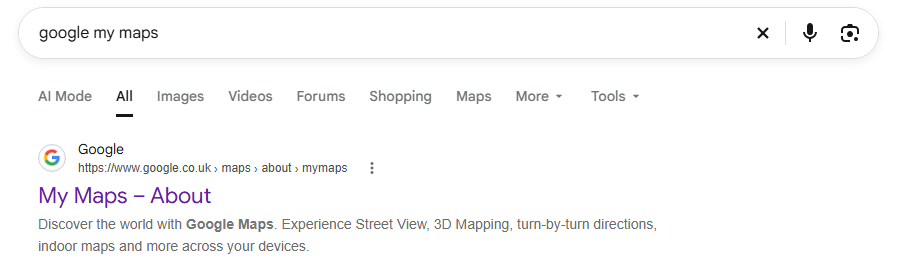
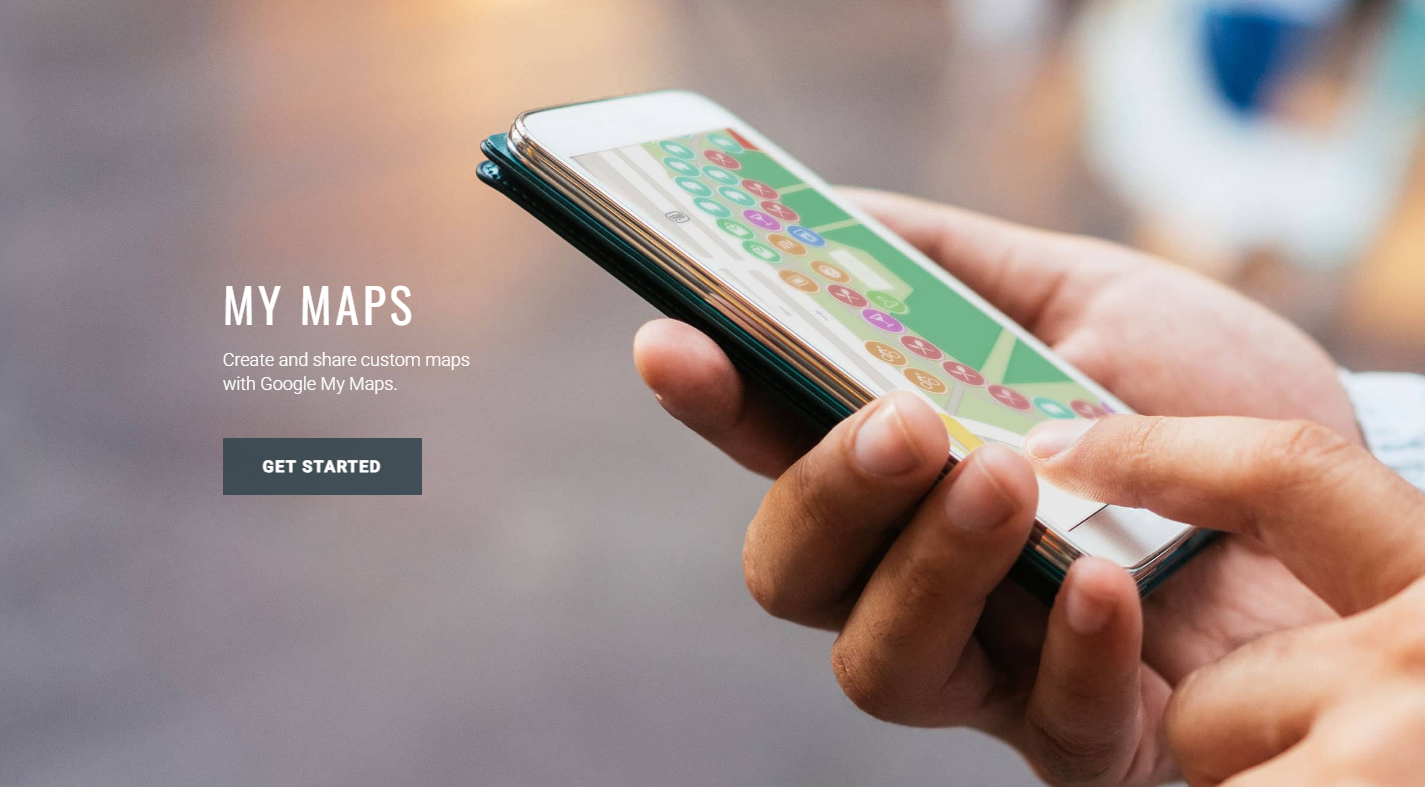
2. Click "GET STARTED".
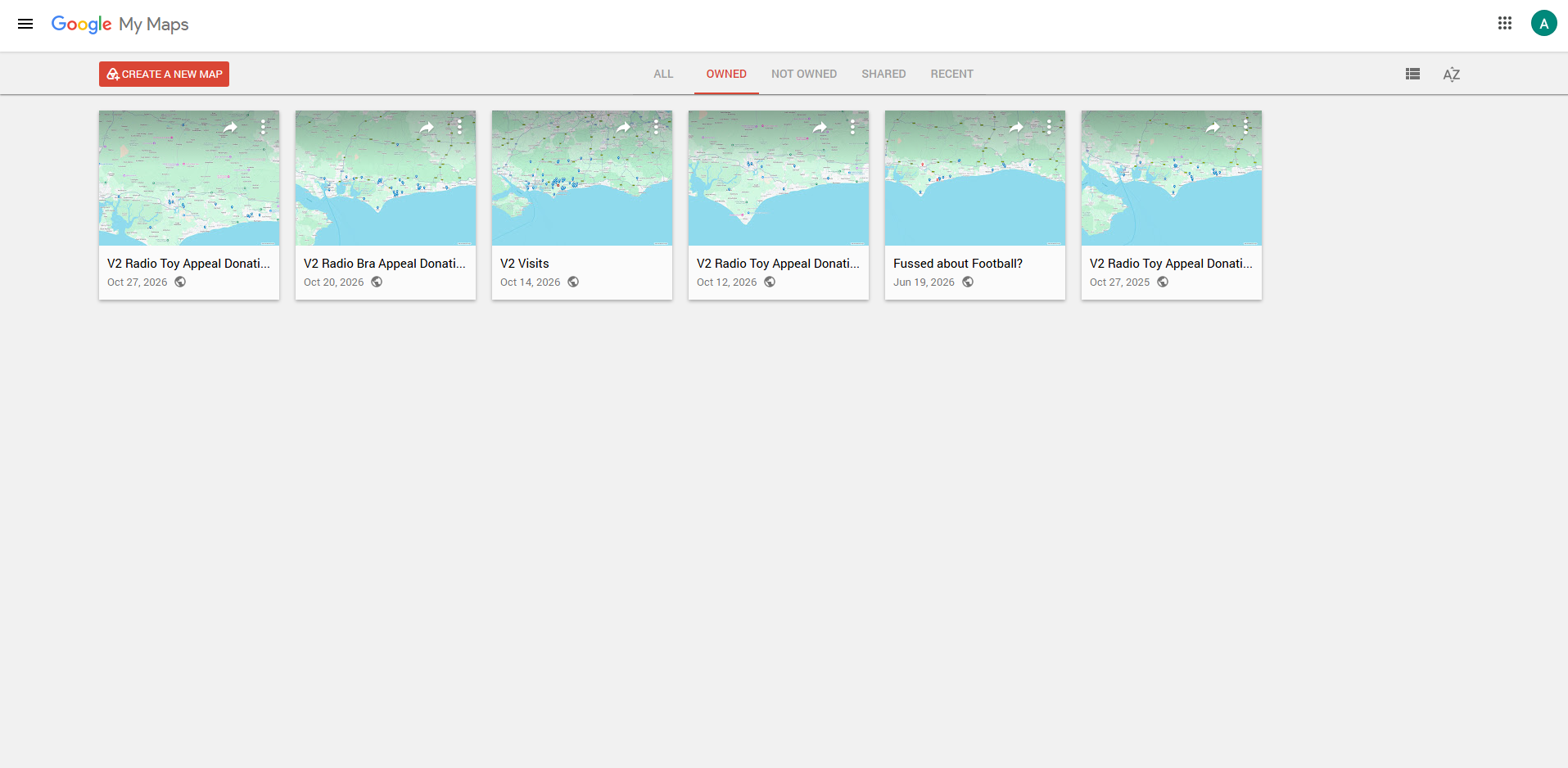
3. Click on "CREATE A NEW MAP" in the top left corner.
4. Make sure to name the map as it shows up on the website, and name the layer as well.
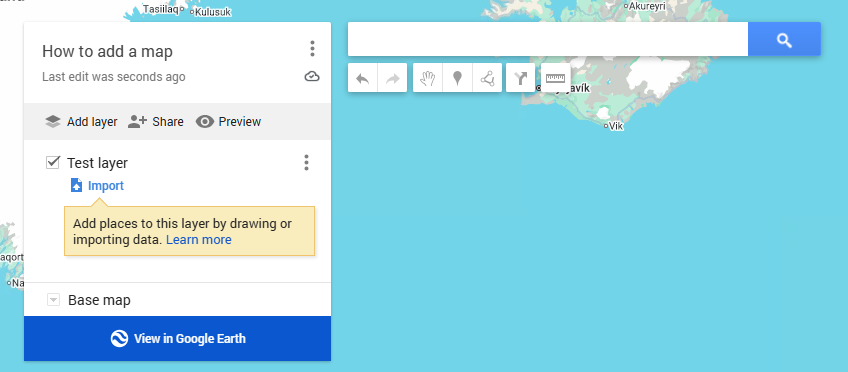
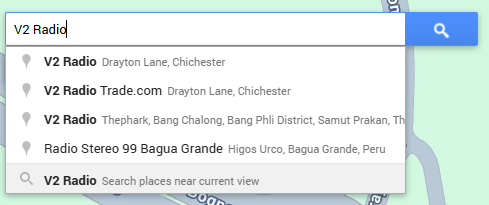
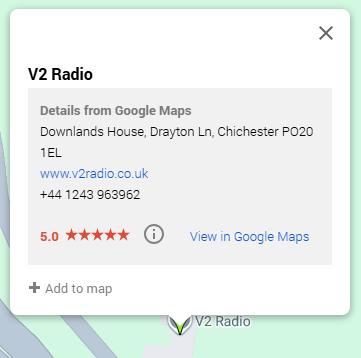
5. Now search for the locations you'd like to add, then click "Add to map".
note: you can keep adding locations while the map is live on the website so don't worry about adding locations as you go.
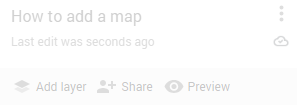
6. When you're ready to share your map on the website, click "Share +" in the top left, then make sure both sliders are set to true.
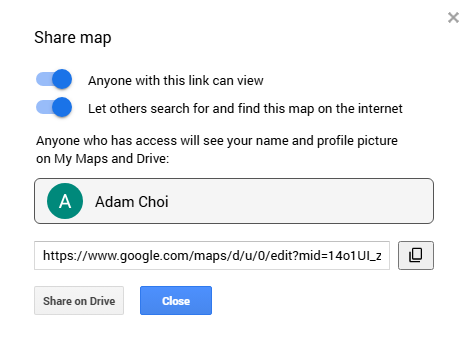
7. Click the symbol below or copy the link to the map from this window - the link should look something like this "https://www.google.com/maps/d/u/0/edit?mid=14o1UI_ziZZ2-ZG8Et84DonPxY9UgWkw&usp=sharing"
8. You should now be able to paste that link straight into an air page and it should show up like this...


-
 Wouldn't It Be Good Nik Kershaw 9:49
 -
 Just A Little Liberty X 9:45
 -
 82 Chevy Dasha 9:42